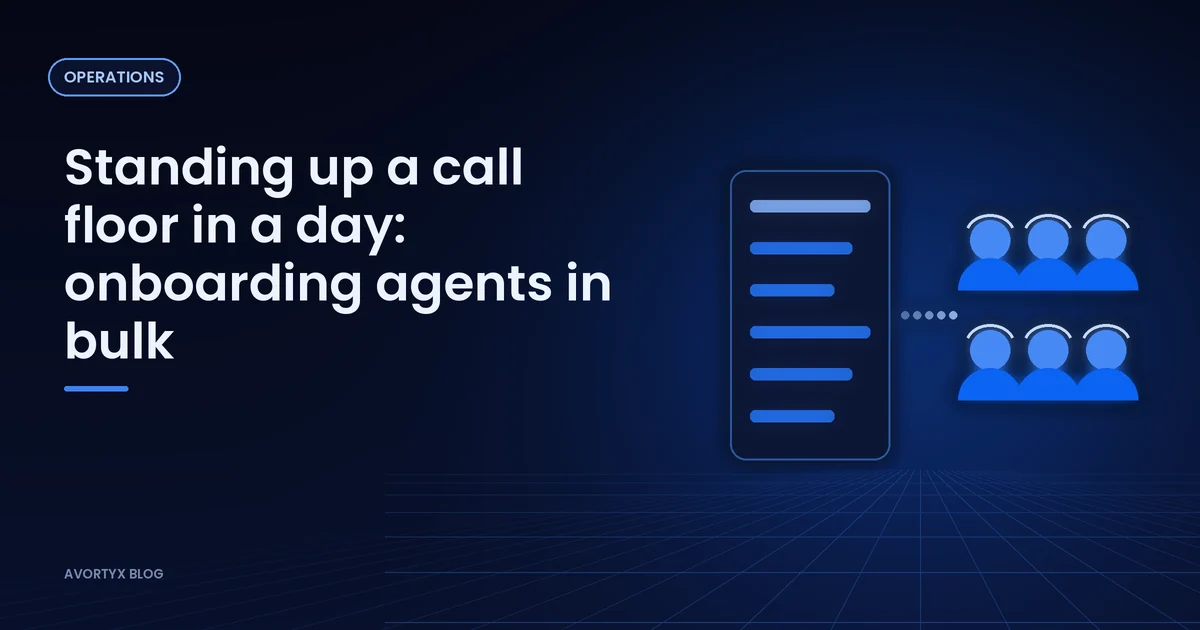
Launching a campaign with a dozen new agents is a spreadsheet problem before it is a phone problem. Names, shifts, the offers each person can take: typing it all in by hand invites mistakes on day one.
Load the team from one file
Prepare a CSV with every agent and what they should handle. Agents who only work inside the platform do not need an email address, which suits contractors and shared-desk teams. Assign each person to their offers, schedules and call queues in the same import.
- One row per agent, with the offers they can take.
- A schedule per shift rather than per person, where you can.
- A test call into every queue before the floor opens.
Decide who gets the next call
Pick a rule that fits the floor. Longest wait time spreads calls evenly. Tier and weight sends calls to your strongest people first. A hybrid takes tiers first, then longest wait within a tier, and a fair-share option gives lower tiers a regular turn.
Read the first week
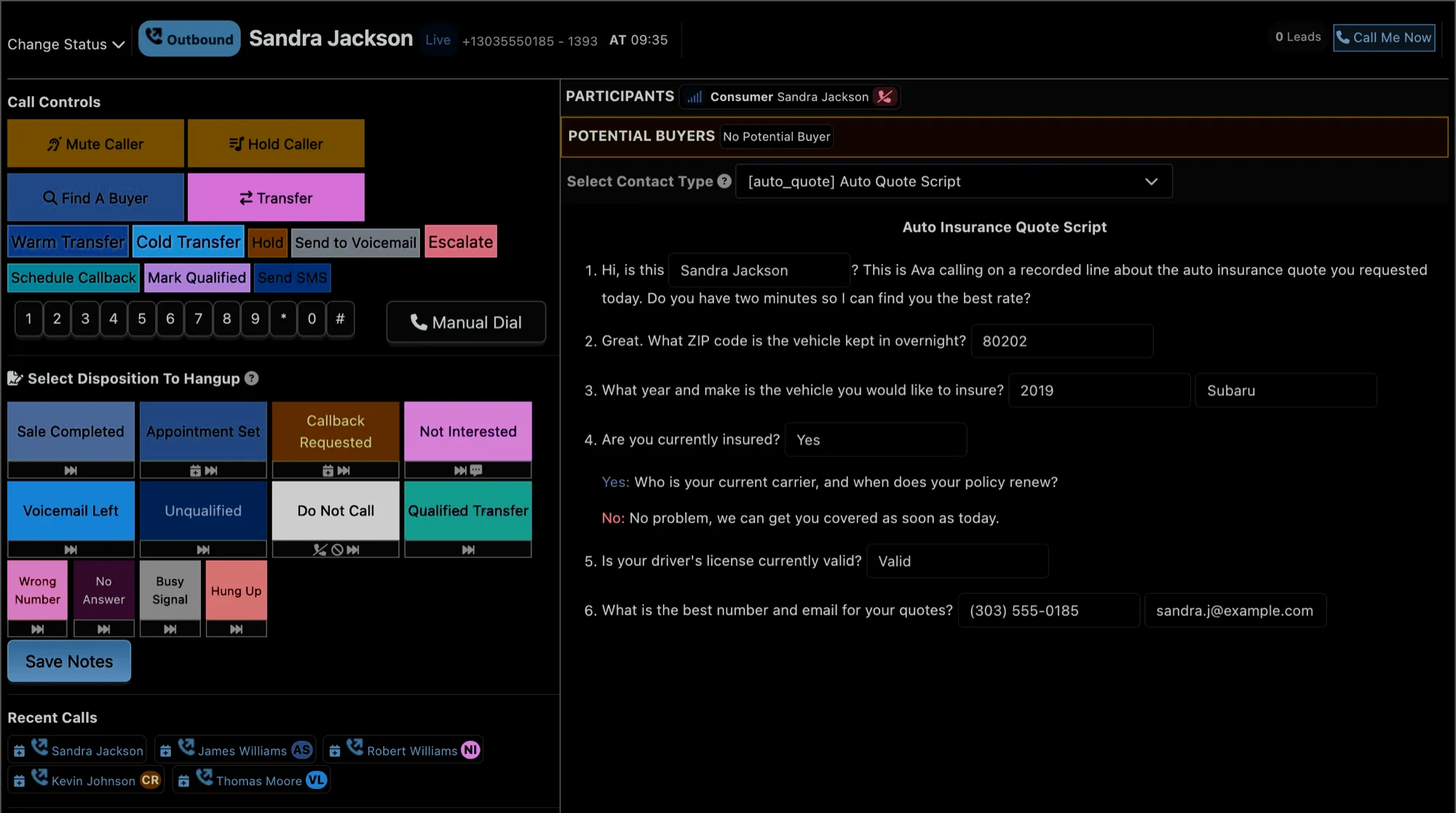
Statuses show what each agent is doing right now; timesheets show how the week went. Read occupancy and availability separately: low availability is about the agents, low occupancy is about call volume, and each needs a different fix.
- Agents
- 14
- Available
- 82% of paid time
- On calls
- 41% of paid time
- Reading
- Plenty of people, not enough calls: add volume, not agents
Illustrative figures.
Avortyx adds agents in bulk from a CSV, creates internal agents who do not need an email address, and assigns them to offers, schedules and call queues, with live statuses and timesheets for the whole floor.
See it in your own numbers. Know where each call came from, send it to a buyer who can take it, and see what it earned.